Wedding photography contracts,
signed online.
In Roviqo a wedding photography contract is built from your own template, filled from the booking with merge fields such as the couple, dates and total, and sent on a secure link. The couple signs by typing their full name, you countersign if you choose, and the signed copy is kept on the lead and the project.
At a glance
Contract templates
Keep the agreements you send most as templates, with one marked as the default.
An eight-step builder
Contract details, parties and event, services and coverage, payment schedule, terms and policies, dynamic fields, signatures, and a final review.
Signed by both sides
Choose “client signs, then the studio countersigns”, or client only. The signed date and names are recorded.
How do I create a wedding photography contract?
Start from a template or a blank contract, pick the lead by typing the couple’s name, and walk the eight steps. Fields such as the total, the retainer and the event dates are filled from the booking, so the numbers in the contract match the proposal and the invoice.
- Merge fields resolve before sending, so the couple sees real values
- Payment schedule set in the contract: retainer, instalments, balance
- Terms and policies kept in your own words
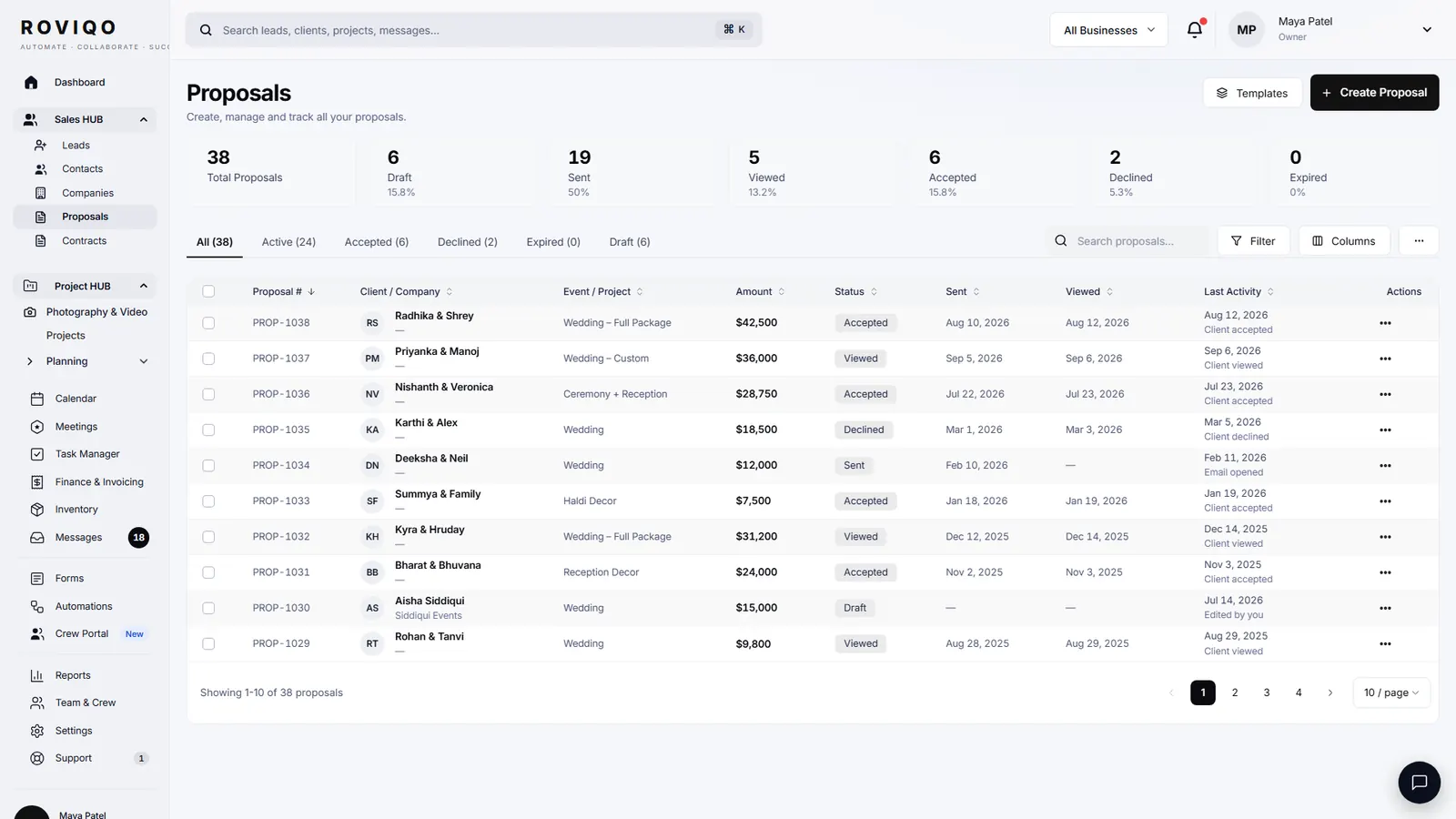
How does the couple sign it?
They open the link on any device, read the agreement, and type their full name to sign. If the contract sits inside a proposal, they sign there and pay the deposit on the same page. Once signed, Roviqo records it and moves on to the invoice.
- No account or app needed
- Countersign from Roviqo when your template asks for it
- Signed contracts stay on the lead and the project
In the United States, the ESIGN Act and UETA generally give electronic signatures the same legal effect as handwritten ones. Rules differ elsewhere. This page is general information, not legal advice; have a lawyer where you work review your contract.
Contracts and e-signatures, answered.
Yes. Signing is built in: the couple types their full name on the contract or proposal link, and you can countersign from Roviqo. There is no separate e-signature subscription.
Yes. Templates and the terms are your own text. Roviqo fills in the couple, dates, venues and amounts from the booking.
Either works. Keeping them together means the couple chooses, signs and pays in one sitting. The proposal and contract guide walks through both.
No. Proposals, contracts and payments work over secure links, so a couple can read, sign and pay from a phone without creating a login. The client portal is there for couples who want it.
Roviqo records the signed contract, creates the invoice from the payment schedule and opens the project, so the wedding moves straight into planning.
Related guides.
Proposal & contract guide
Six steps to a proposal, agreement and deposit on one link.
Proposals
Five designs, optional add-ons, the agreement and the deposit on one link.
Invoices & payment schedules
Retainer, instalments and balance through your own Stripe, with reminders and receipts.
Client portal & galleries
One private place for the couple: documents, payments, schedule, messages and photos.
Choosing a CRM
What to look for in a CRM for wedding photographers, honestly.
CRM for wedding photographers
The whole studio in one place, from enquiry to delivered gallery.
See it with your own studio's data.
Create your studio free, import your leads, and send your first Wedding Book this week.