How to send a wedding photography proposal
and contract.
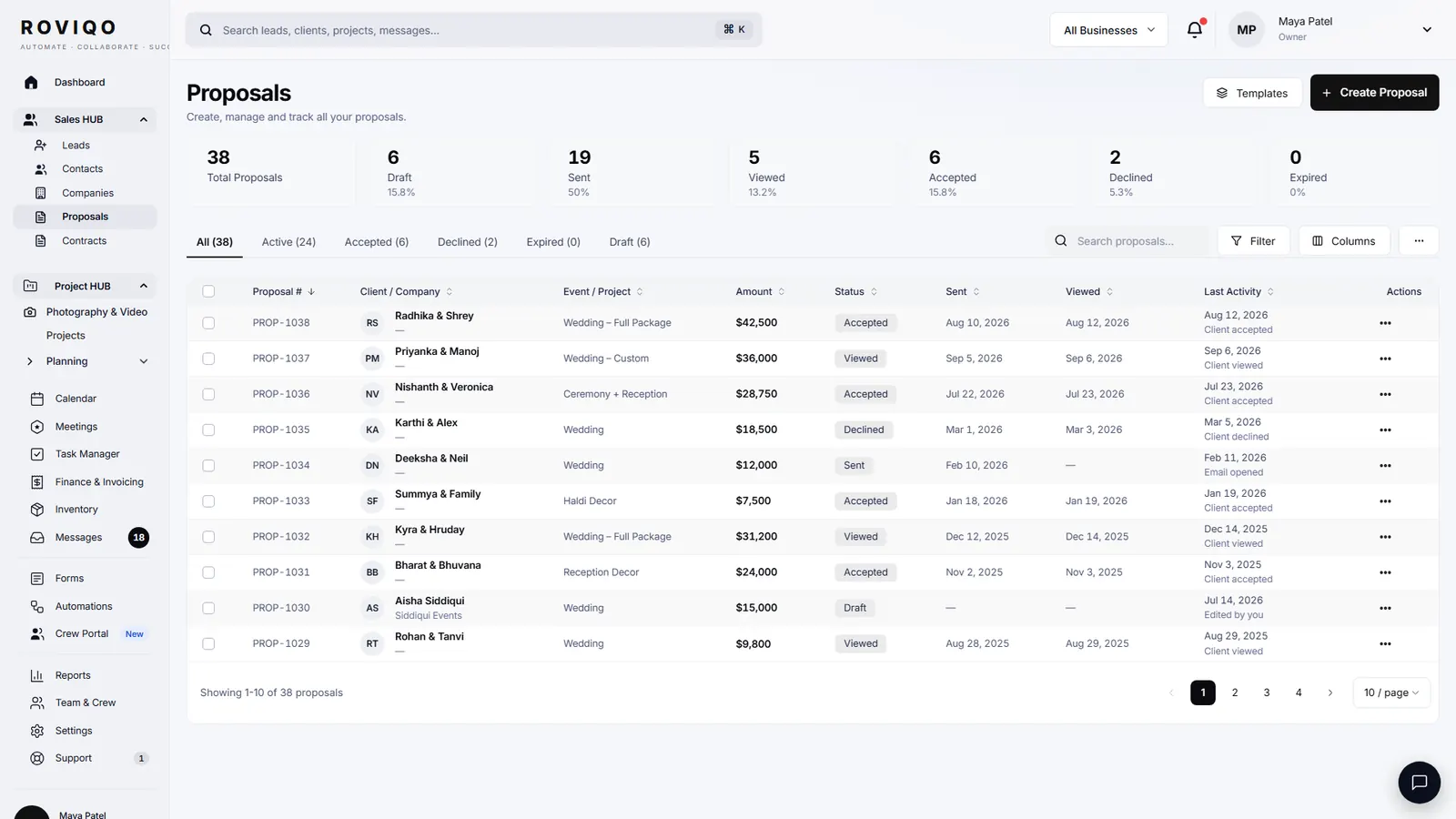
The short answer: send one link that carries the proposal, the agreement and the deposit together. Confirm the dates and events, build two or three packages with optional add-ons, show the payment schedule, put the contract inside the proposal, and ask for the signature and the retainer on the same page. Then follow up until it is signed. Here is each step, and how it works in Roviqo.
At a glance
Reply and confirm the basics
Answer the enquiry the same day and confirm the dates, venues, events, hours of coverage and budget. In Roviqo the enquiry arrives with these fields and a welcome email has already gone out.
Build two or three packages
Set out coverage hours, the team and deliverables for each collection, then add optional extras the couple can choose themselves, such as an engagement shoot, an extra hour or an album upgrade.
Make the investment clear
Show the total, any taxes, and the payment schedule with dates: the retainer to book, any middle payment, and the final balance.
Put the agreement inside
Attach the contract to the proposal so the couple reviews the terms where they choose the package. Start from a template and have a lawyer where you work review it.
Ask for signature and deposit together
Ask for the e-signature and the retainer on the same page, so the date is held the moment they sign. In Roviqo they pay by card, Apple Pay or Google Pay through your own Stripe.
Follow up, then hand over
Send a reminder if it sits unsigned. Once it is accepted, Roviqo records the signed contract, creates the invoice and opens the project with the events and payment schedule in place.
What a wedding photography contract usually covers.
Every studio’s terms differ, but most wedding photography agreements set out the same ground. Roviqo’s contract builder walks through it step by step: details, parties and event, services and coverage, payment schedule, terms and policies, fields, signatures and review. This guide is general information, not legal advice.
- The couple, the dates, venues and hours of coverage
- Services, team and deliverables, with delivery timelines
- Fees, retainer and payment schedule
- Cancellation, postponement and refunds
- Image ownership, usage and the couple’s rights
- Liability limits and what happens if you cannot attend
Proposals and contracts, answered.
Either works. Keeping them together means the couple chooses, signs and pays in one sitting instead of across three emails. Roviqo supports both: the agreement inside the proposal, or a separate contract from the contract builder.
In the United States, the ESIGN Act and UETA generally give electronic signatures the same legal effect as handwritten ones. Rules differ in other countries and for some document types, so check with a lawyer where you work.
Whatever your contract states. Roviqo lets you set the deposit and every later instalment per booking, with reminders before each due date.
No. Proposals, contracts and payments work over secure links, so a couple can read, sign and pay from a phone without creating a login. The client portal is there for couples who want it.
Roviqo records the signed contract, creates the invoice from the payment schedule and opens the project, so the wedding moves straight into planning.
See it with your own studio's data.
Create your studio free, import your leads, and send your first Wedding Book this week.