Gear inventory tracking for photography studios.
Gear inventory tracking tells a photography studio what kit it owns, what it is worth, who has each camera, lens or light, for which wedding, and when it comes back. Roviqo’s Inventory lists every item with its serial number, value and condition, checks it out to a crew member with a return date, and flags late returns.
At a glance
Every item, once
Category, quantity, brand and model, serial number, value, condition, status, purchase date and where it is stored.
Checked out to a person
Assign an item to a crew member for a project, a lead or a wedding, with a start date and a return-by date.
Late returns flagged
Counters for items, total value, checked out, overdue returns and maintenance, with a By crew view of who holds what.
How do I set up a gear inventory?
Add each item with a name, a category (Camera, Lens, Lighting, Audio, Drone, Gimbal & Support, Storage & Media, Computer & Software and more), the quantity, brand and model, serial number, value each, condition and status, where it is stored and when it was bought. The total value is added up for you, which is handy when you insure the kit.
- Condition: Excellent, Good, Fair or Needs repair
- Status: Available, In maintenance or Retired
- Decor, props, furniture and vehicles too, for studios that hire them out
How do I check gear out to a second shooter?
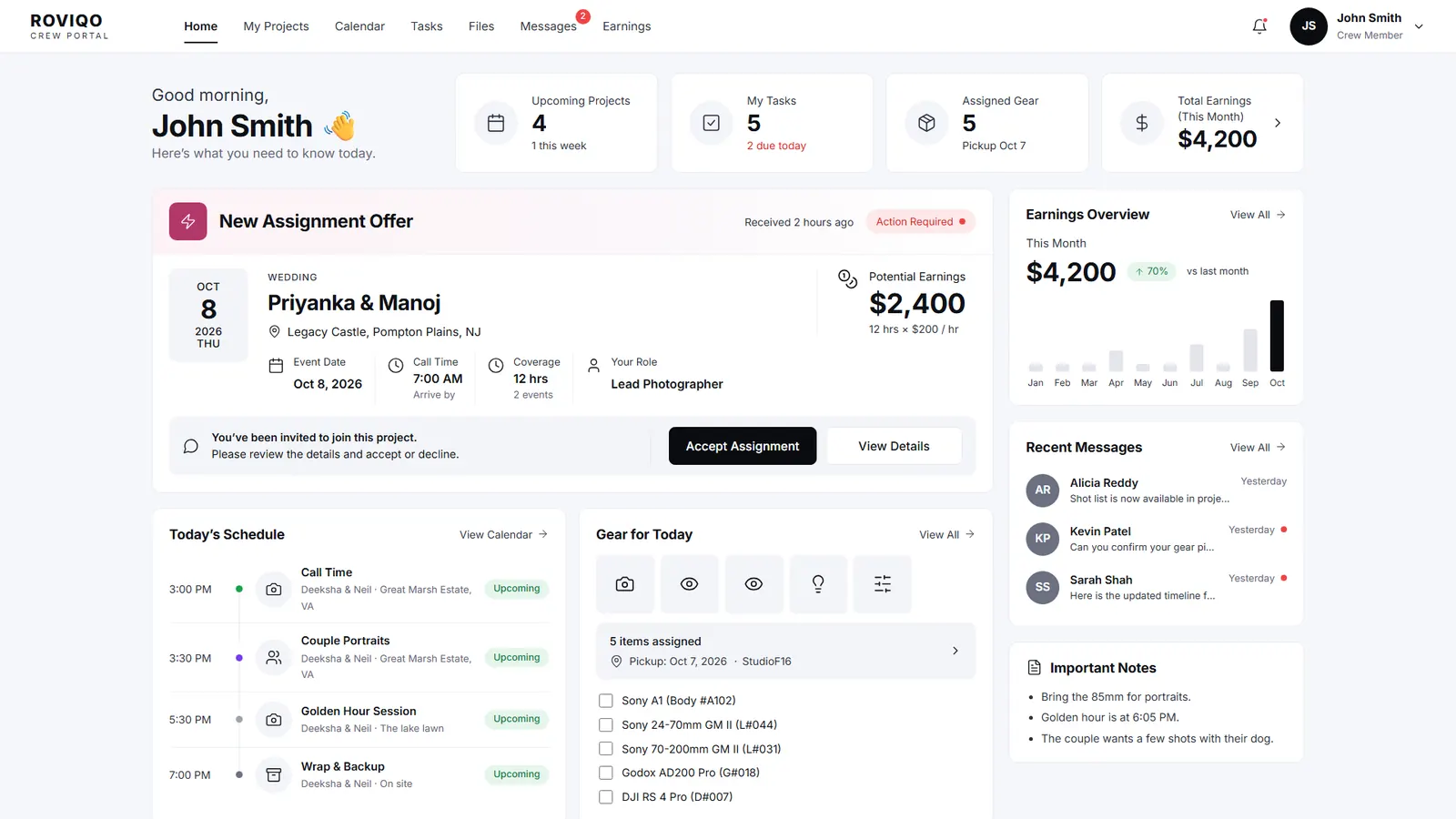
Assign the item to a crew member (or someone else), with the quantity, what it is for (a project, a lead, a wedding or general use), from when, and the date it should be back. When it comes back, check it in. Anything past its return date is marked overdue, and the By crew view shows what each person is holding.
- Crew see My Gear in their portal, with pick-up and return-by dates
- An Assigned Gear card on the crew member’s home screen
- Inventory data available in Custom Reports
What does Roviqo’s inventory not do?
It is a register, not a rental system. There is no barcode or QR scanning, no repair log beyond the status, and the item photo is a link rather than an upload. Gear is checked out to a person with an optional project, not packed into a per-event checklist. If you rent kit to other studios, a dedicated rental tool will suit you better.
Gear inventory, answered.
To know what you own and what it is worth for insurance, to see who has which body or lens before a wedding weekend, and to get kit back from freelancers on time.
Yes. The crew portal has My Gear, with each item’s model, category, pick-up date and return-by date, and the home screen shows their assigned gear.
No. Items are added and checked out by hand, with a serial number field for each one.
Yes. Inventory adds up the value of every item and counts what is checked out, overdue or in maintenance.
Yes. Every plan includes every module, inventory included; plans differ by active clients, businesses and gallery storage.
Free for up to 5 active clients with every module and no card. Studio is $60 a month for unlimited active clients. Pro is $100 a month and runs up to three businesses, each with its own brand, under one login. Monthly, cancel anytime, no setup fee.
Related guides.
Crew portal & team scheduling
Second shooters and editors accept jobs, see call times, gear and due dates.
Second shooter agreement
Hiring, briefing and paying second shooters and crew, with nine clauses.
Multi-photographer studios
Assigned leads, routed calls, roles and crew per event, with no per-seat fee.
Project management
One project per booking: events, timelines, deliverables, crew, money and tasks.
Expenses & profit reports
Expenses by category, profit per wedding, sales tax and eight report tabs.
CRM for wedding videographers
Film packages, crew call times, gear and deliverables.
See it with your own studio's data.
Create your studio free, import your leads, and send your first Wedding Book this week.