Client onboarding for wedding photographers.
Client onboarding is what a wedding photographer sends between the signed contract and the wedding: a confirmation and receipt, the signed agreement, the payment schedule, what happens next, one place to find everything, then the questionnaire, timeline and shot list nearer the day. Done well, the couple never has to wonder what comes next.
What should I send after a couple books?
Confirm the booking and the receipt
Say the date is reserved, link the receipt for the retainer, and thank them.
Send the signed agreement
A copy of what both of you signed, kept where they can find it again.
Show the payment schedule
Each payment with its amount and due date, and how to pay. No surprises in the wedding month.
Explain what happens next
A short outline of the months ahead: the engagement session, the questionnaire, a planning call, the timeline, the wedding and the delivery dates.
Give them one place for everything
A portal or a single link with documents, payments, the schedule and messages, so nothing is lost in email threads.
Introduce your team
Who will photograph or film which event, and who to contact before the day.
Questionnaire, timeline and shot list
Some weeks before, collect the details: contacts for the day, the family photo list, must-have moments and the timeline.
The week before
Confirm times and addresses with the couple and send the crew their call sheet.
How does onboarding run in Roviqo?
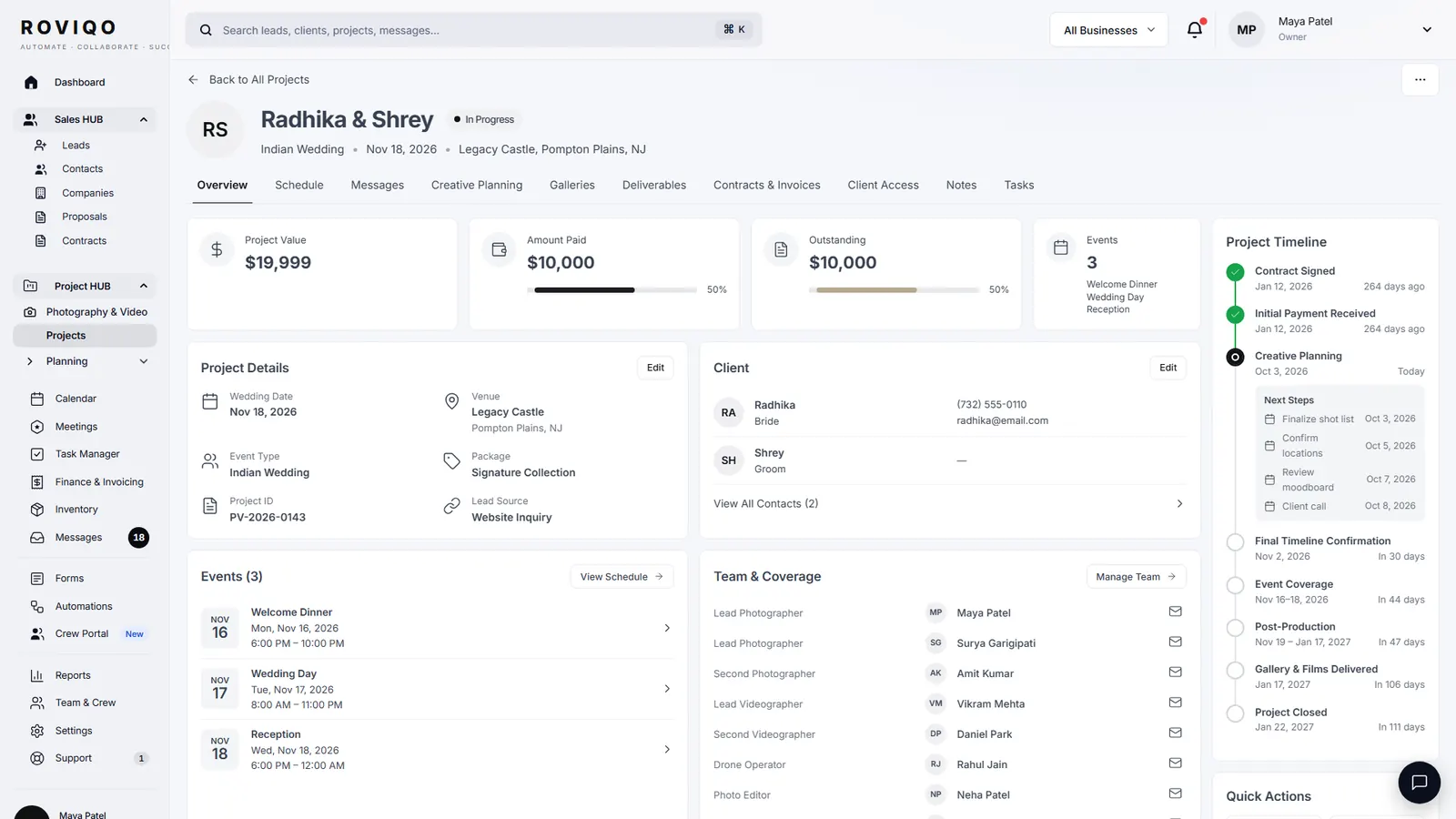
When the couple signs the proposal, Roviqo records the signed agreement, sends the reservation invoice with the retainer, marks the lead won and opens the project. When the retainer is paid, the couple gets a receipt saying their date is reserved and an invitation to their portal, and the crew you pencilled in get their offers. Each of these steps can be switched off under Automations.
- A balance reminder two weeks before the first event
- A “One week to go” email to the couple and a call sheet to the crew
- Questionnaires inside the proposal, answered before signing
What does the couple see?
The client portal holds Your Story, Celebrations with each event’s timeline, shot list and location, Memories with their galleries, Documents with the proposal, contract and invoices and what is paid, a Checklist and Messages. They sign in with the emailed link or an email and password, and can add the portal to their phone’s home screen. Nothing needs the portal to sign or pay.
- The couple adds to each event’s shot list
- They can suggest timeline changes for you to review
- Your studio’s name and logo at the top of every page
Client onboarding, answered.
Everything between the booking and the wedding that tells the couple they are in good hands: confirmation, receipts, the agreement, the payment schedule, what happens next and where to find it, then the planning details nearer the day.
A short one helps: how you work, the months ahead, what you need from them and when. Keep it to what they will actually use, and put it where they can find it again.
Ask the few essentials in the proposal, and send the full questionnaire once the plans have settled, some weeks before the wedding, so the answers are final. See the wedding photography questionnaire.
No. They sign and pay on secure links. The portal is there for couples who want one place for documents, the schedule, messages and galleries.
Much of it. In Roviqo the agreement, the reservation invoice, the receipt, the portal invitation, a balance reminder two weeks before the first event and the one-week email run on their own, each with wording you can edit.
Free for up to 5 active clients with every module and no card. Studio is $60 a month for unlimited active clients. Pro is $100 a month and runs up to three businesses, each with its own brand, under one login. Monthly, cancel anytime, no setup fee.
Related guides.
The client workflow, step by step
Ten stages from enquiry to the review, and what to send at each.
Client portal & galleries
One private place for the couple: documents, payments, schedule, messages and photos.
Wedding photography questionnaire
The questions to ask at enquiry, booking, planning and after delivery.
Wedding photography shot list
The shots by part of the day, and how to agree the personal ones.
Automations
Enquiry replies, proposal and balance reminders, wedding-week emails, a weekly summary.
Email templates for photographers
Eight emails to copy, from the first reply to the review request.
See it with your own studio's data.
Create your studio free, import your leads, and send your first Wedding Book this week.